An AI anime generator turns a prompt — or a photo — into anime-style art, and increasingly into anime video. Whether you want a profile picture in your favourite art style, an original character, or a full animated clip, the barrier has basically vanished: no drawing skill, no tablet, just a description.
This guide explains how AI anime generators work, what the free options really give you, and a step-by-step for making your own anime art and turning it into video.
What an AI anime generator does
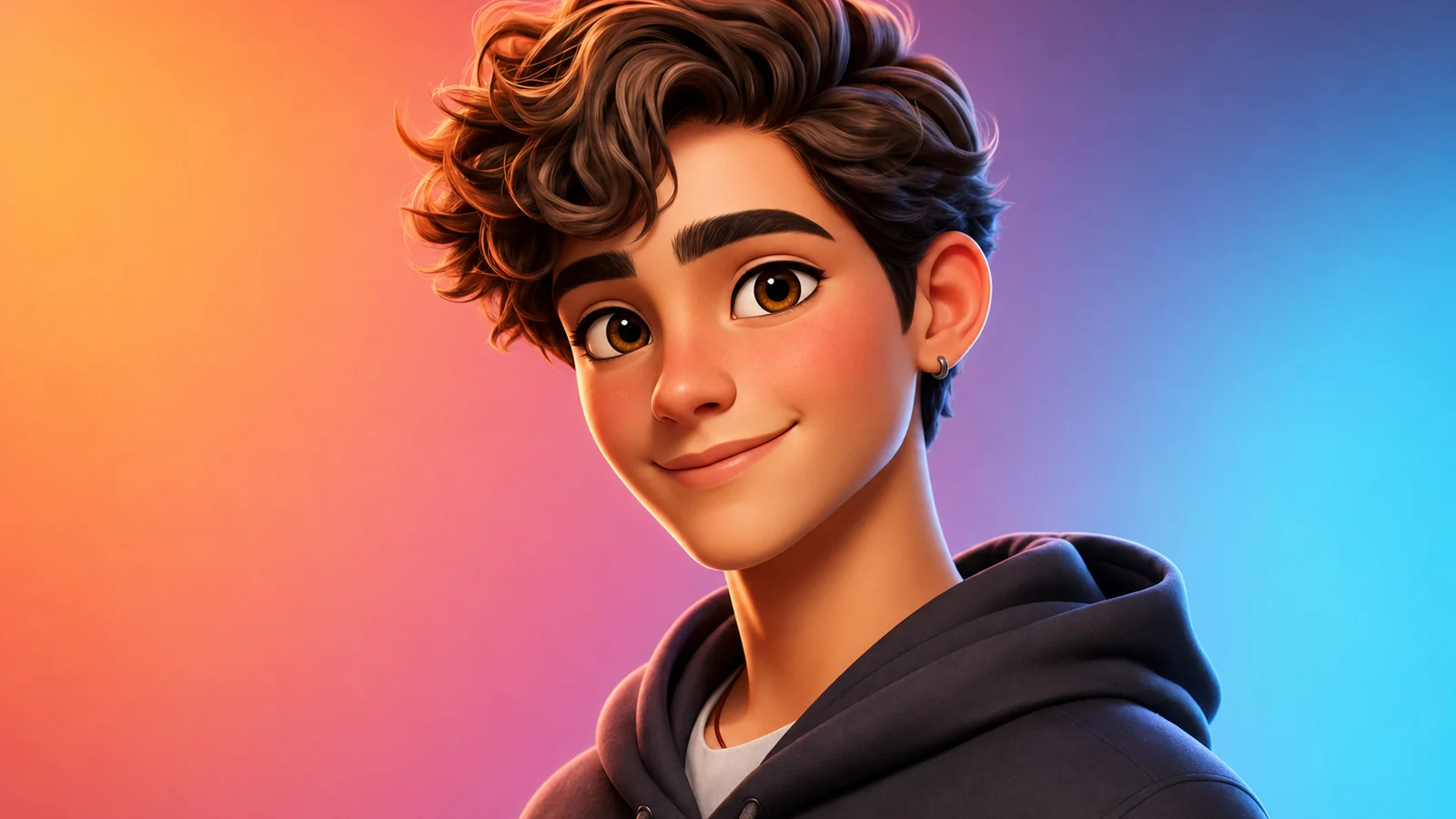
It’s an image (or video) model tuned to produce anime and manga aesthetics — the linework, shading, eyes, and color palettes of Japanese animation. You describe a character or scene, and it renders it in anime style. The better tools let you control the specific style (90s cel anime, modern Ghibli-soft, shonen action, chibi) and keep a character consistent across images.
The newest leap is anime video: instead of stopping at a still, you generate the anime image and then animate it into a moving clip — a character that turns, blinks, and moves through a scene. That’s what’s fuelling the wave of AI anime shorts and fan films.
Best AI anime video generators, compared
Most “AI anime generator” tools split into two camps: style-transfer specialists that restyle existing footage or photos into anime, and general video generators that can produce anime-style scenes from a text prompt. Knowing which camp a tool is in matters more than its name:
| Tool | Entry price | Camp | Best for |
|---|---|---|---|
| DomoAI | $9/mo (Basic, billed annually) | Style-transfer specialist | Restyling real footage into anime, keeping the original motion |
| Vidu | Free tier + paid plans | Video generator with anime-capable models | Text-to-anime scenes |
| Higgsfield | Paid plans | Video generator, anime-focused features | Stylized character animation |
| Deevid AI | $10/mo (Lite), 20 free credits | Multi-model video generator | Original anime-style scenes across 14+ models, not restyling |
The practical difference: if you have existing footage or a photo and want it turned into anime, a style-transfer tool like DomoAI is built for exactly that — upload the clip, pick a style, keep the motion. If you’re generating a new anime scene from a text description with no source footage, a general multi-model generator like Deevid AI is the better fit, since it’s built for prompt-to-video rather than restyling.
Free AI anime generators (and the catch)
There are plenty of “free AI anime generator” options, and the searches for them are huge. The catch is the usual one: free tiers watermark the output, cap resolution, and limit how much you can make. For a quick avatar that’s fine; for anything you’ll post seriously or use commercially, you’ll want a paid plan.
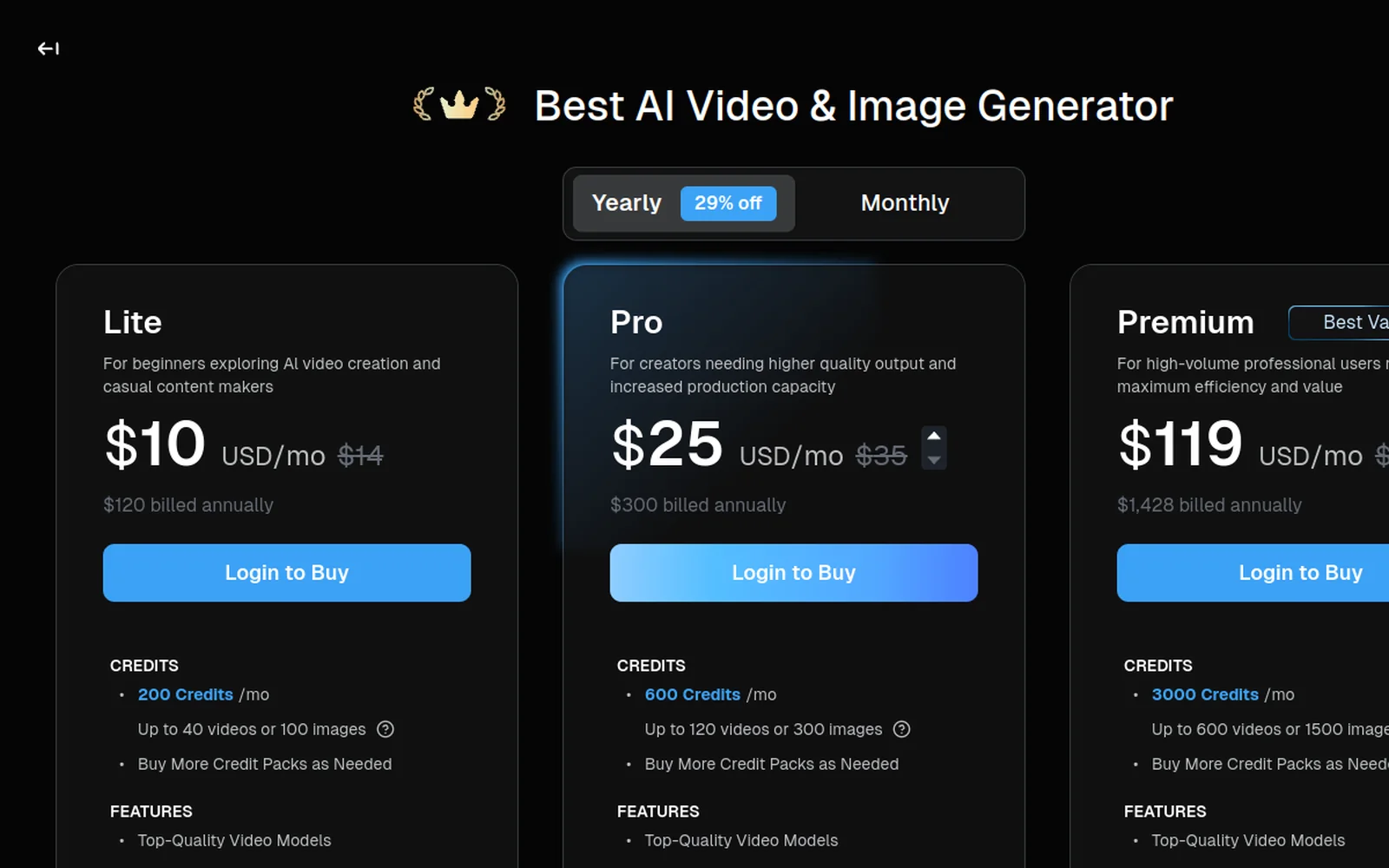
Deevid AI is a useful pick here because it does both anime images and anime video in one place, so you’re not exporting a still from one app and animating it in another. Test the styles on the free credits, then upgrade once you’ve found your look.
How to make AI anime, step by step
Here’s the walkthrough, then the steps:
1. Describe your character or scene
Be specific about the subject and the style:
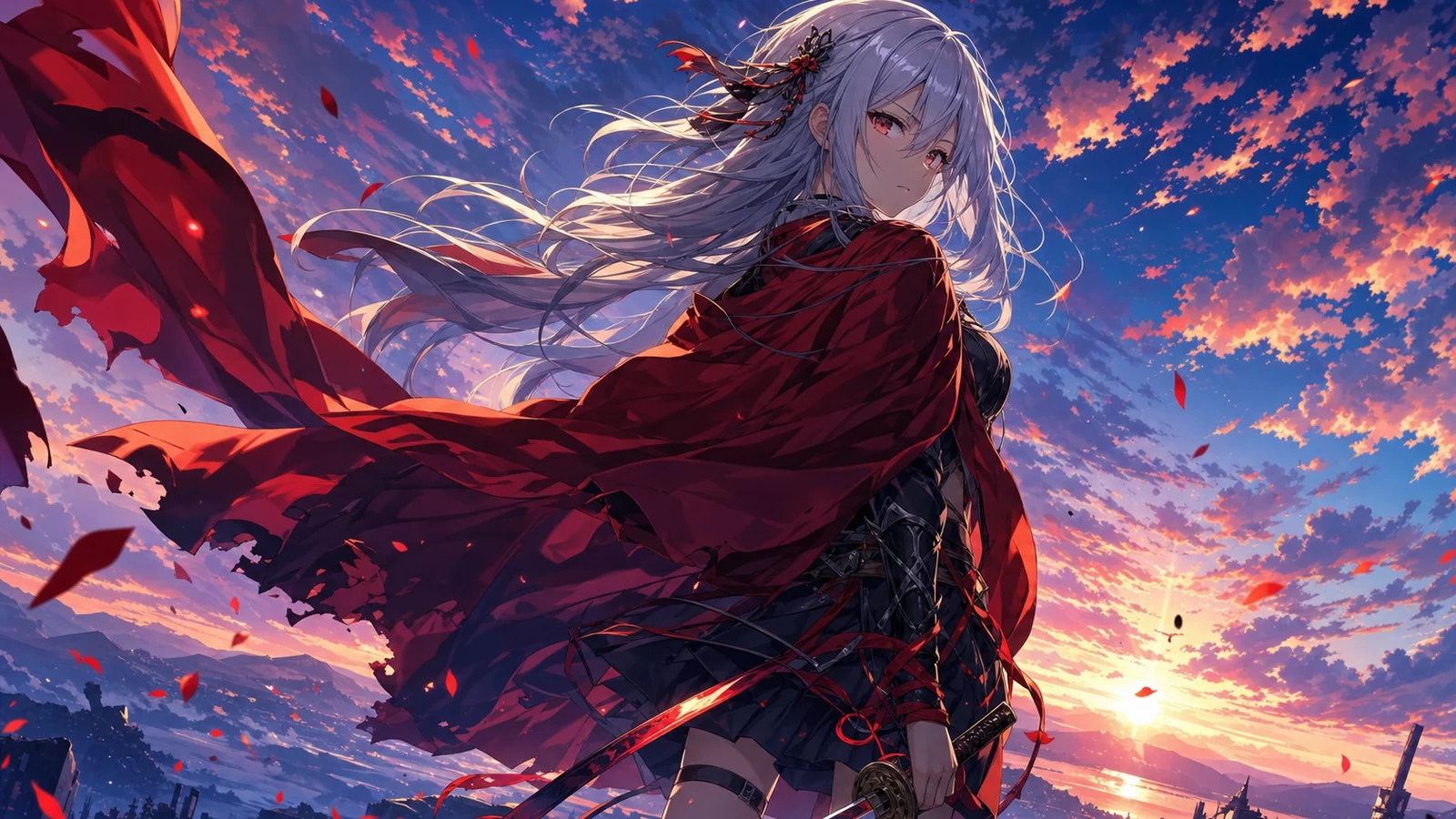
A determined young swordswoman with silver hair and a red cloak, standing on a cliff at sunset, 90s cel anime style, dramatic lighting, detailed.
Name the art style explicitly — “cel anime,” “Ghibli-soft,” “modern shonen” — because that single word does most of the stylistic work.
2. Generate and refine the image
Run it, then refine. Adjust the pose, the palette, the background. If you want this character again later, save the image — you’ll reuse it as a reference to keep the character consistent across new pictures.
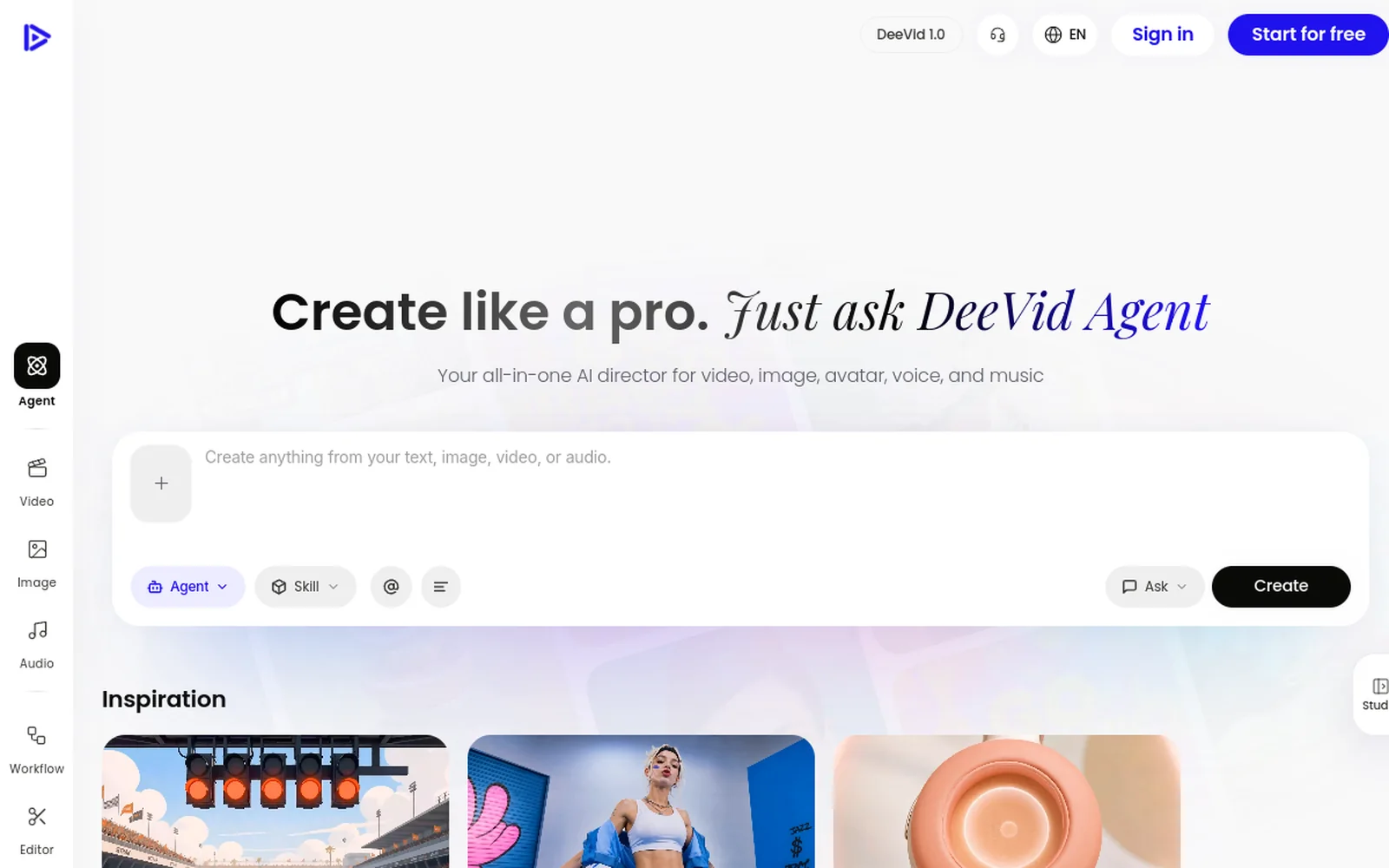
3. (Optional) Animate it into anime video
Drop the anime image into image-to-video and describe a simple motion — the character drawing a sword, hair blowing, a slow camera push. Keep it short and clean; one believable motion beats an ambitious one.
4. Add sound and export
For video, layer music or a voice line to set the mood, then export. On a paid tier the output is watermark-free with commercial rights.
The free AI anime generators (and where they stop)
The top results for “AI anime generator” are a mix of free image tools — Perchance, Adobe Firefly, Canva — and video-focused specialists like DomoAI, Vidu, and Higgsfield. The free image tools are genuinely good at one thing: free anime stills. Type a prompt, get an anime picture, no cost.
Where they stop is telling, and it lines up with what people search for next: “AI anime generator video,” “anime generator from photo.” Most free image tools hand you a single still and nothing more — no animation, no consistent character across pictures, no way to turn that cool design into a moving clip. The video-focused specialists close that gap, but each in a different way: DomoAI restyles footage you already have, while a multi-model generator like Deevid AI builds new anime-style scenes from a prompt.
That gap is the opening. If your goal is an anime avatar or a one-off piece of art, a free generator is all you need. If your goal is anime content — a character you reuse, a clip for TikTok, a fan short — you need a tool that goes from prompt to image to video. That’s why the workflow in this guide runs through a platform that does all three rather than a single-purpose art app.
From text or from a photo
There are two ways in, and good tools support both:
- Text-to-anime — describe the character and style and generate from scratch. Best for original characters and full creative control.
- Photo-to-anime — upload a real photo (your face, a pet, a scene) and convert it to anime style. Best for “anime me” avatars and turning real references into stylised art.
Either way, once you have an anime image you like, the same next step applies: animate the ones worth moving into anime video. Start from text when you’re inventing; start from a photo when you’re transforming something real.
Anime images vs anime video
Decide what you actually need:
- Anime images — profile pictures, character designs, art, manga panels. Fast and cheap.
- Anime video — clips, fan animations, shorts. More involved, far higher impact on social.
The workflow is the same up front (generate the image), so you can always start with a still and animate the ones worth moving.
Best styles and what to make
- Profile pictures / avatars in your favourite anime style.
- Original characters you can reuse across a series.
- Fan art and “what if” scenes of existing universes.
- Manga-style panels for short visual stories.
- Anime shorts — animate a character into a clip for TikTok or YouTube.
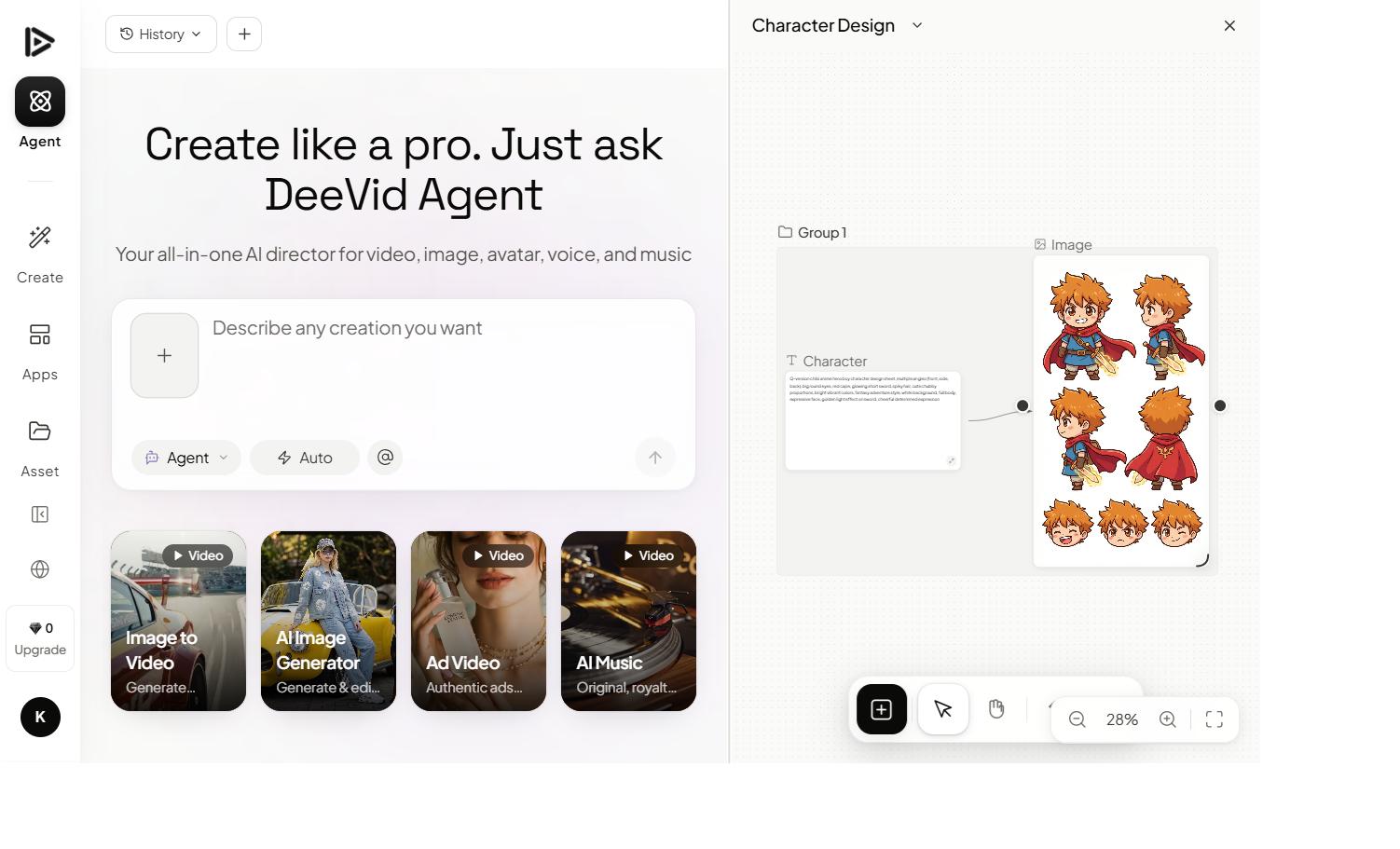
If you want a consistent recurring character across many images or clips, our prompt guide covers reference-based consistency.
Tips for better AI anime
- Name the style. “Cel anime,” “Ghibli,” “chibi” — the style word is the biggest lever.
- Be specific about the character. Hair, outfit, expression, pose — vague prompts give generic results.
- Reuse a reference to keep a character consistent across images.
- For video, keep motion simple. One clean action animates better than a complex sequence.
Mistakes to avoid
- Vague prompts. “Anime girl” gives you a coin-flip; describe the character and style.
- Forgetting the style word. Without it, you get generic semi-realism, not true anime.
- Running watermarked output commercially. Upgrade first.
- Over-animating video. Big motion warps anime faces fast — keep it contained.
FAQ
What is the best AI anime generator? It depends on your starting point. For restyling existing footage into anime, DomoAI is a specialist at $9/mo. For generating original anime-style scenes from a text prompt with no source footage, Deevid AI’s 14+ models (with 20 free credits to start) is the stronger fit — it does anime stills and anime video in one place.
What’s the difference between DomoAI and Deevid AI for anime? DomoAI is built for transformation — upload real footage or a photo and restyle it into anime while keeping the original motion. Deevid AI is built for generation — turn a text description into a new anime-style scene from scratch. See the full comparison.
Is there a free AI anime generator? Yes — most tools have free tiers, but output is watermarked and capped. Clean, commercial-use anime needs a paid plan.
Can AI generate anime video, not just images? Yes — generate the anime image, then animate it with image-to-video into a moving clip.
How do I keep my anime character consistent? Save your character image and reuse it as a reference for new generations, so the face and design stay the same.
An AI anime generator collapses “I wish I could draw” into a prompt. Name your style, describe your character, and — when a still is worth moving — animate it into anime video. Test the styles free, then go paid for clean, watermark-free art and clips you fully own.