“AI avatar generator” covers two very different things, and knowing which one you want saves a lot of frustration. One makes avatar images — a stylised profile picture, an “anime me,” a polished portrait. The other makes talking-head avatar videos — a digital presenter that speaks your script on camera. This guide covers both, how to make them, and what the free tiers actually give you.
What an AI avatar generator does
At its core, it turns you (a photo) or a description (text) into a digital character. Where tools differ is the output:
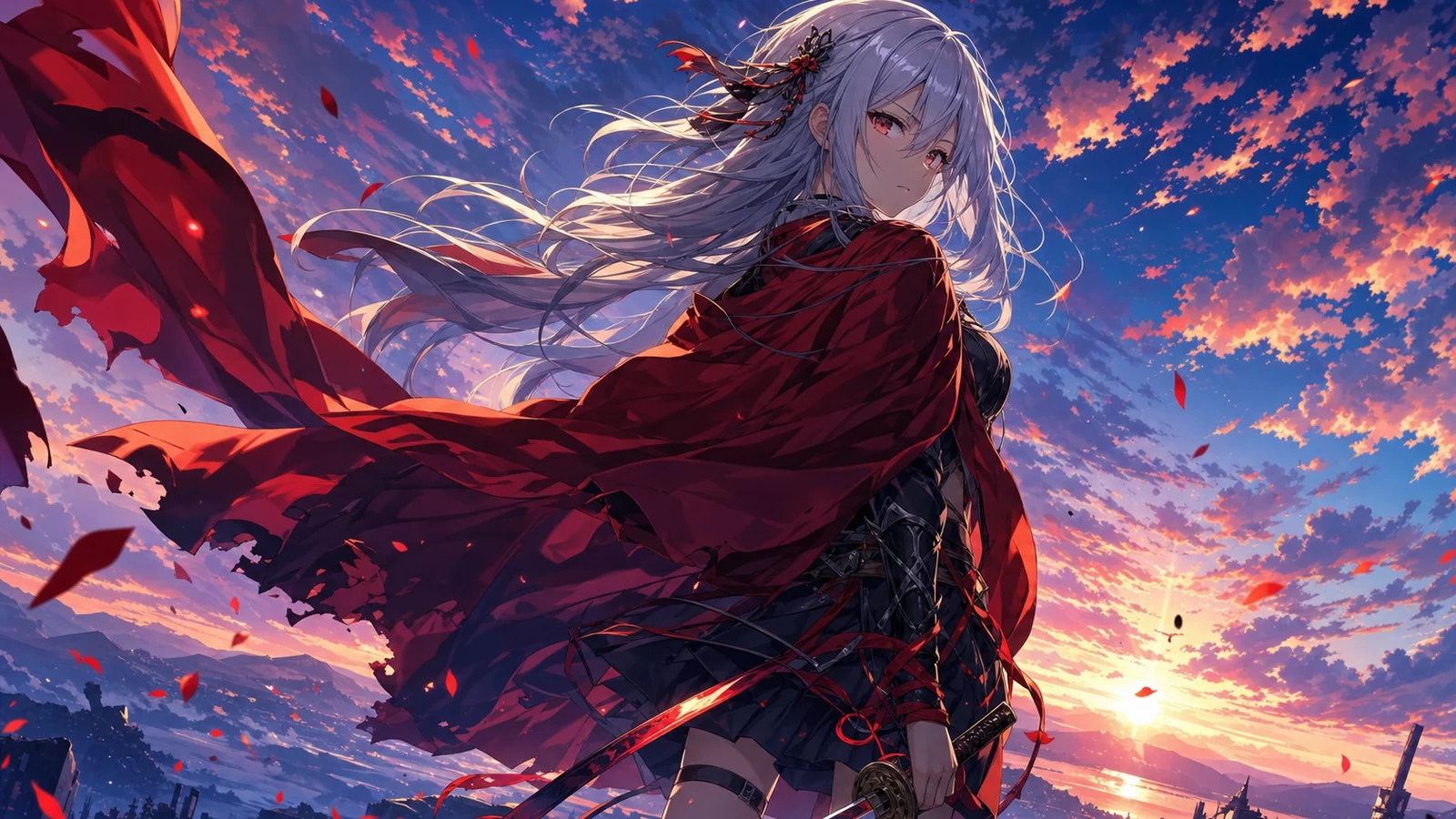
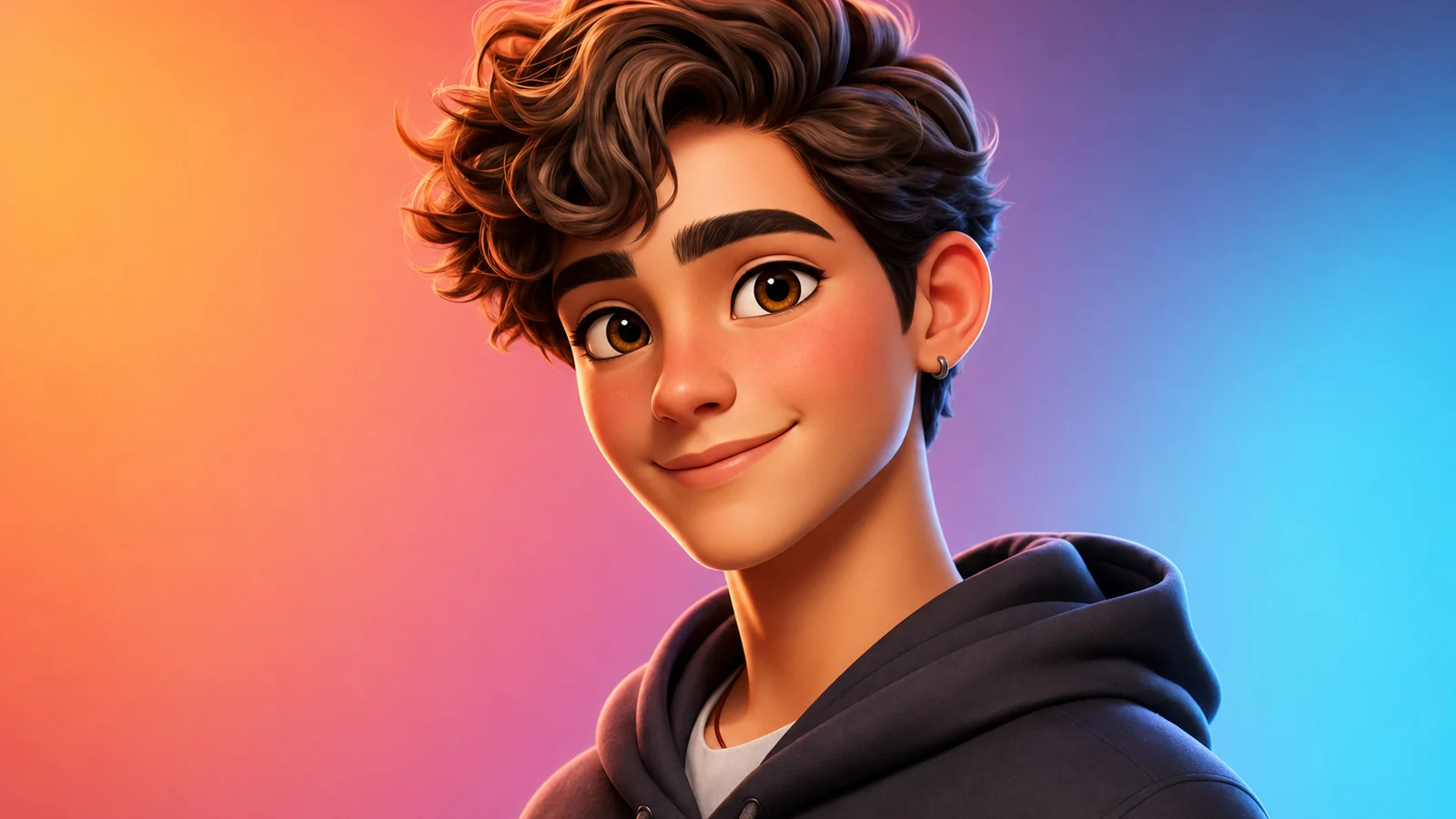
- Image avatars — a single picture: a stylised headshot, a cartoon or anime version of yourself, a fantasy character. Used for profile pictures, gaming, and social.
- Video avatars — a moving, speaking presenter built from a face and a script, lip-synced and ready to narrate. Used for marketing, training, and faceless content.
Both start the same way (a face or a prompt); they just stop at different points. Decide which you need before you pick a tool — some only do one.
Free AI avatar generators (and the catch)
There are plenty of free AI avatar generators — Canva, Adobe, and the big video-avatar platforms all offer free entry points. The catch is consistent: free output is watermarked, lower-resolution, capped, and often behind a sign-up. Fine for a quick avatar; not fine for anything commercial or polished.
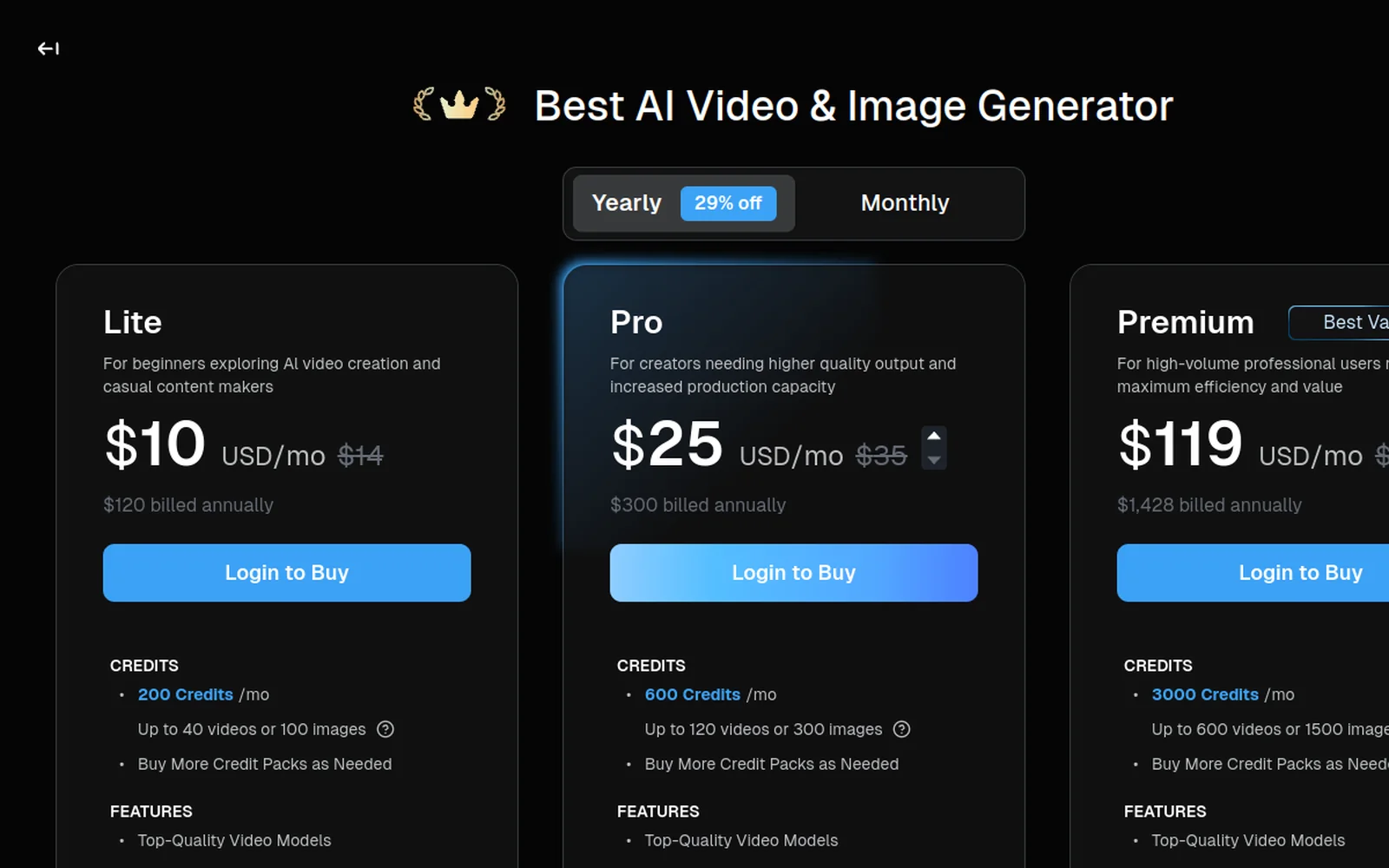
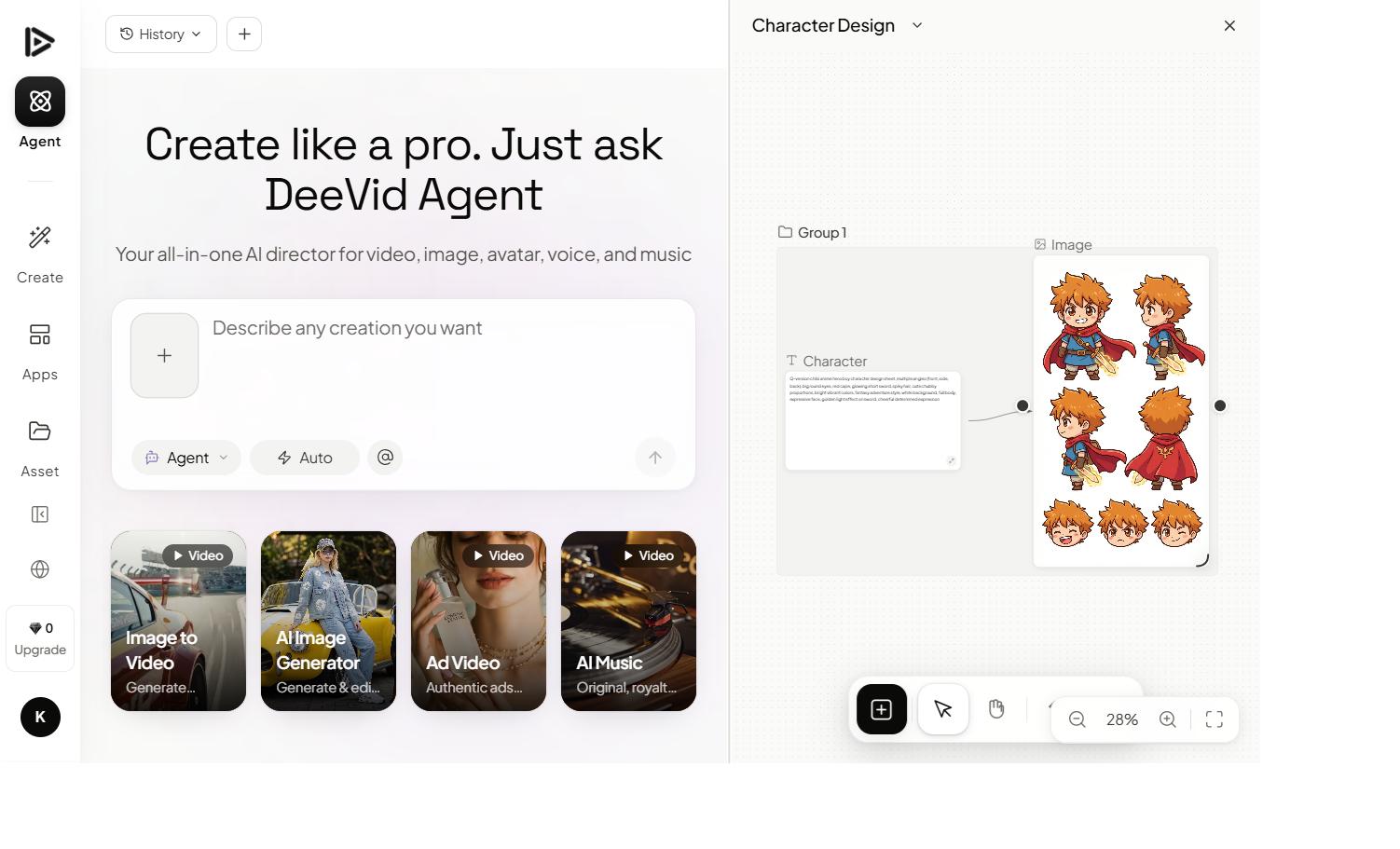
Deevid AI is worth a look because it handles avatars alongside image and video generation, so you can make an avatar and put it into a fuller video without juggling apps. Test on the free credits, upgrade when you’ve found your look.
How to make an AI avatar, step by step
Here’s the walkthrough, then the steps:
1. Choose your input: photo or text
For an avatar of yourself, upload a clear, front-facing photo. For an original character, describe it: “a friendly cartoon avatar of a young woman with red glasses, flat illustration style.”
2. Pick the style
Realistic, 3D, anime, flat-illustration, fantasy — the style choice defines the whole result. Name it explicitly; it does most of the work.
3. Generate and refine
Run it, compare a few, and refine. For an avatar of yourself, judge likeness first — if it drifts, use a clearer reference photo rather than rewriting the prompt.
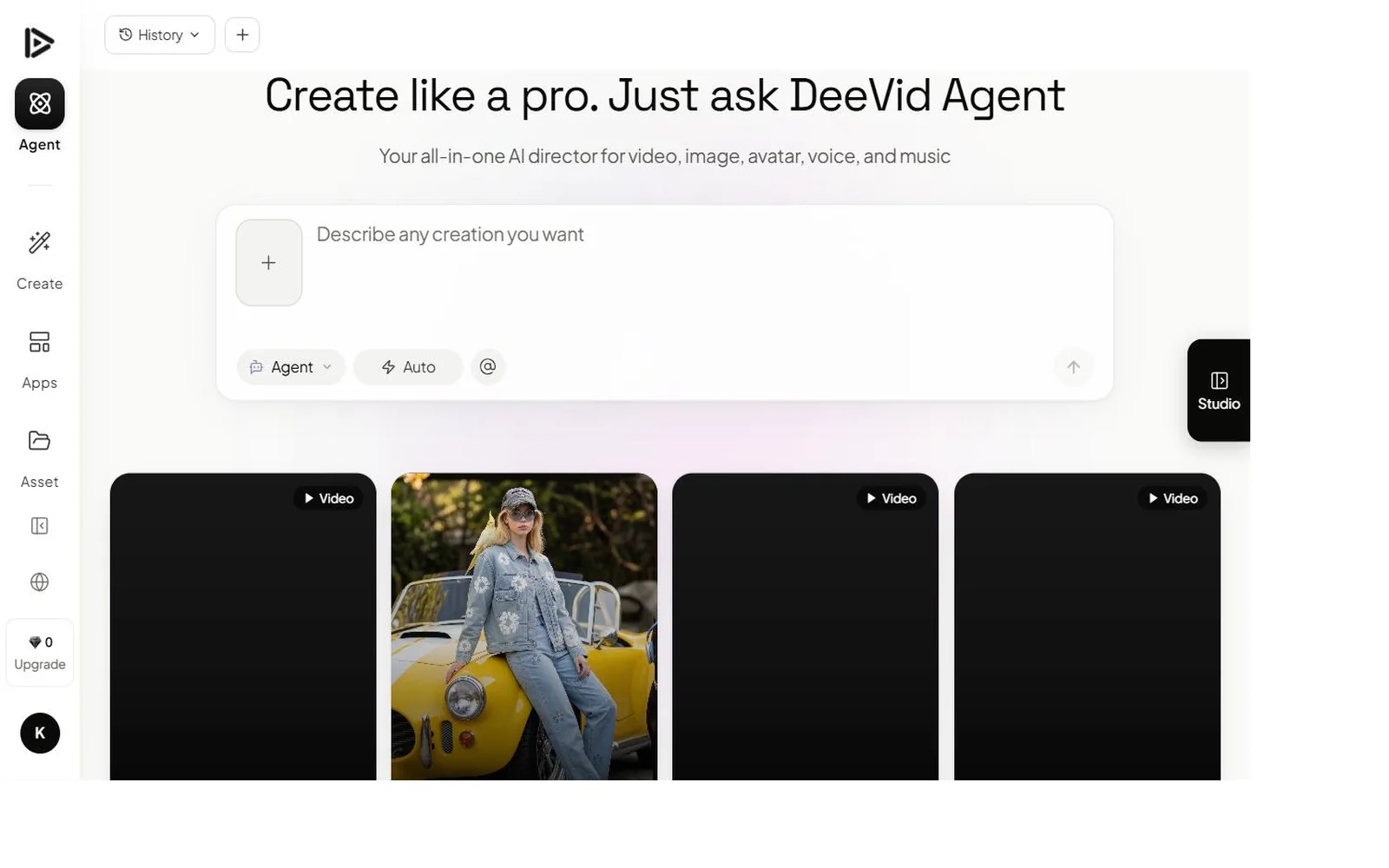
4. (Optional) Make it talk
For a video avatar, add a script and let the tool lip-sync it. Keep the script tight and the delivery natural — short sentences read better than long paragraphs.
5. Export
On a paid tier you get clean, watermark-free output with a commercial license — essential if the avatar represents a brand.
An AI avatar of yourself (from a photo)
The most-searched use is “AI avatar of yourself.” The recipe is simple: a single clear, front-facing photo, then pick a style. The reference quality matters more than anything — a sharp, evenly-lit photo holds your likeness; a dark or angled one drifts. Generate a batch and keep the ones that still look like you. For a still profile picture, this is all you need; if you want it to move and talk, carry the avatar into the video step.
Talking-head avatar videos
This is the other half of the search — the Synthesia/HeyGen style of digital presenter. You provide a face (real or generated) and a script; the tool produces a lip-synced video of the avatar delivering it. It’s the backbone of faceless YouTube, training videos and localized marketing. If presenter avatars are your main goal, our Deevid vs HeyGen and Deevid vs Synthesia comparisons are worth reading — they break down where each tool leads.
Image avatar or video avatar — and what it costs
The two outputs have different price logic, so match the tool to the job:
Image avatars are cheap and fast. A profile picture, an anime version of yourself, a character design — these are single-image generations, so even modest plans (or free, watermarked tiers) cover a lot of them. If all you want is a standout profile picture, you barely need to spend anything beyond removing the watermark.
Video avatars — the talking presenters — cost more, because you’re generating lip-synced video, not a still. Dedicated presenter platforms often charge by the minute. An all-in-one like Deevid bundles avatars into a credit-based plan alongside image and video generation, which works out cheaper if you also make other content; from $10/month you get clean, watermark-free output and a commercial license.
The decision tree is simple: want a picture of yourself? Any image avatar tool — upgrade only to drop the watermark. Want a presenter that talks? A video-avatar tool, and budget for a paid plan from the start — you can’t run a watermarked brand presenter.
Make an AI avatar from text (no photo needed)
You don’t always need a photo. “AI avatar generator from text” is a common search for a reason: you can describe a completely original character — “a cheerful robot mascot with round eyes, flat illustration style” — and generate it from scratch. This is the route for brand mascots, game characters and original personas where there’s no real face to start from. The rules are the same as any prompt: be specific about the character’s features, name the art style, then iterate. Save the result and reuse it as a consistent avatar across everything you make.
Tips for better AI avatars
- Reference quality beats prompt length for avatars of yourself — start with a clean, front-facing photo.
- Name the style explicitly. “3D Pixar-like,” “flat illustration,” “anime” — the style word steers everything.
- Generate in batches. Likeness and quality vary between runs; keep the best.
- For video avatars, keep scripts short. Natural, conversational delivery beats dense paragraphs.
Mistakes to avoid
- Poor reference photos. Dark, angled or obstructed inputs ruin likeness.
- Skipping the style choice. Without it you get a generic, forgettable avatar.
- Running watermarked avatars for a brand. Upgrade for clean, licensed output.
- Over-long video scripts. They expose the limits of lip-sync; keep it tight.
FAQ
What is the best AI avatar generator? It depends on the output: image avatars for profile pictures, or video avatars for talking presenters. Deevid AI is a flexible pick because it combines avatars with full image and video generation.
Is there a free AI avatar generator? Yes, but free output is watermarked and capped. Clean, commercial avatars need a paid plan.
Can I make an AI avatar of myself? Yes — upload a clear, front-facing photo and pick a style. A good reference photo is the key to keeping your likeness.
Can AI avatars talk? Yes — video avatar tools lip-sync a script to a face, producing a digital presenter that speaks your words.
An AI avatar generator is two tools in one: a fast way to make a stylised picture of yourself, and a way to build a talking presenter. Decide which you need, start from a clean photo or a clear prompt, and test the styles free before you commit to clean, watermark-free output.