Video ads used to mean a shoot, a crew, an editor, and a week of turnaround. An AI ad video generator collapses that to an afternoon: describe the ad (or upload a product photo), pick a style, and get a finished clip you can run on TikTok, Reels or YouTube. For small teams and solo marketers, it’s the single biggest time-and-money saver AI has delivered.
This guide covers what an AI ad video generator actually does, what to look for before you pick one, and a step-by-step workflow for turning a product into a ready-to-run video ad.
What an AI ad video generator actually does
It takes a brief — text, a product image, or a landing-page URL — and produces a short, edited video ad: visuals, motion, on-trend pacing, often with music and a voiceover. The good ones aren’t just text-to-video with a marketing label; they include an ad-specific workflow that handles the things ads need — a hook in the first second, product focus, a call-to-action, and vertical formatting for social.
The point isn’t to replace a brand film. It’s to produce the high-volume, performance-style creative that modern advertising runs on: dozens of variations, tested fast, refreshed weekly. That’s a volume problem, and volume is exactly what AI is good at.
What to look for in an AI ad video generator
Not all of them are built for ads. Before you commit, check for:
- A real ad workflow, not just a generic generator — templates or a mode built around product + hook + CTA.
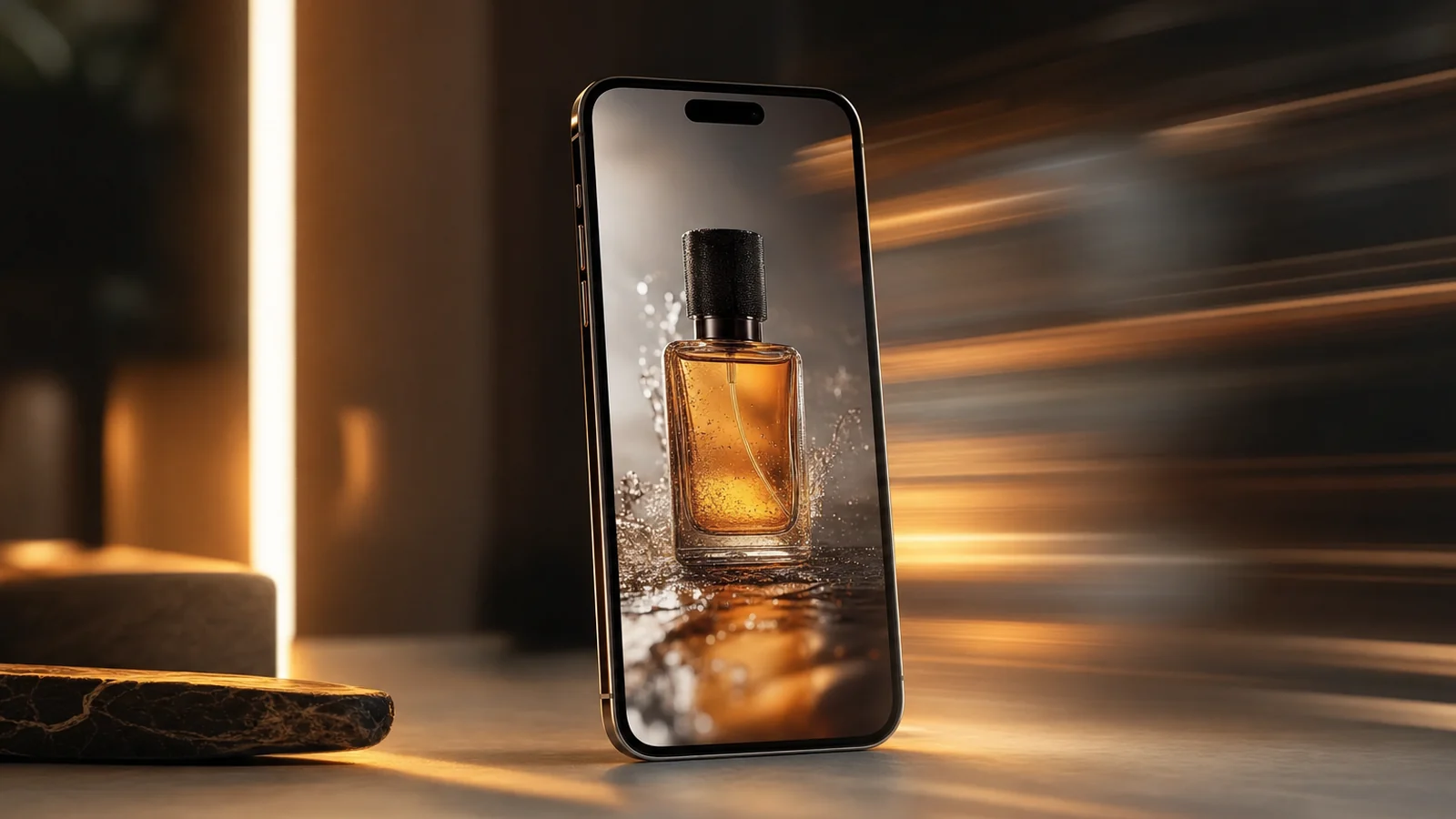
- Image-to-video, so you can animate your actual product photo rather than a hallucinated lookalike.
- Bundled voice and music, so you’re not stitching three tools together for one ad.
- Commercial licensing and no watermark on output — non-negotiable for anything you’ll run as a paid ad.
- Multiple models, so you can match the engine to the product (clean realism for a gadget, stylised motion for fashion).
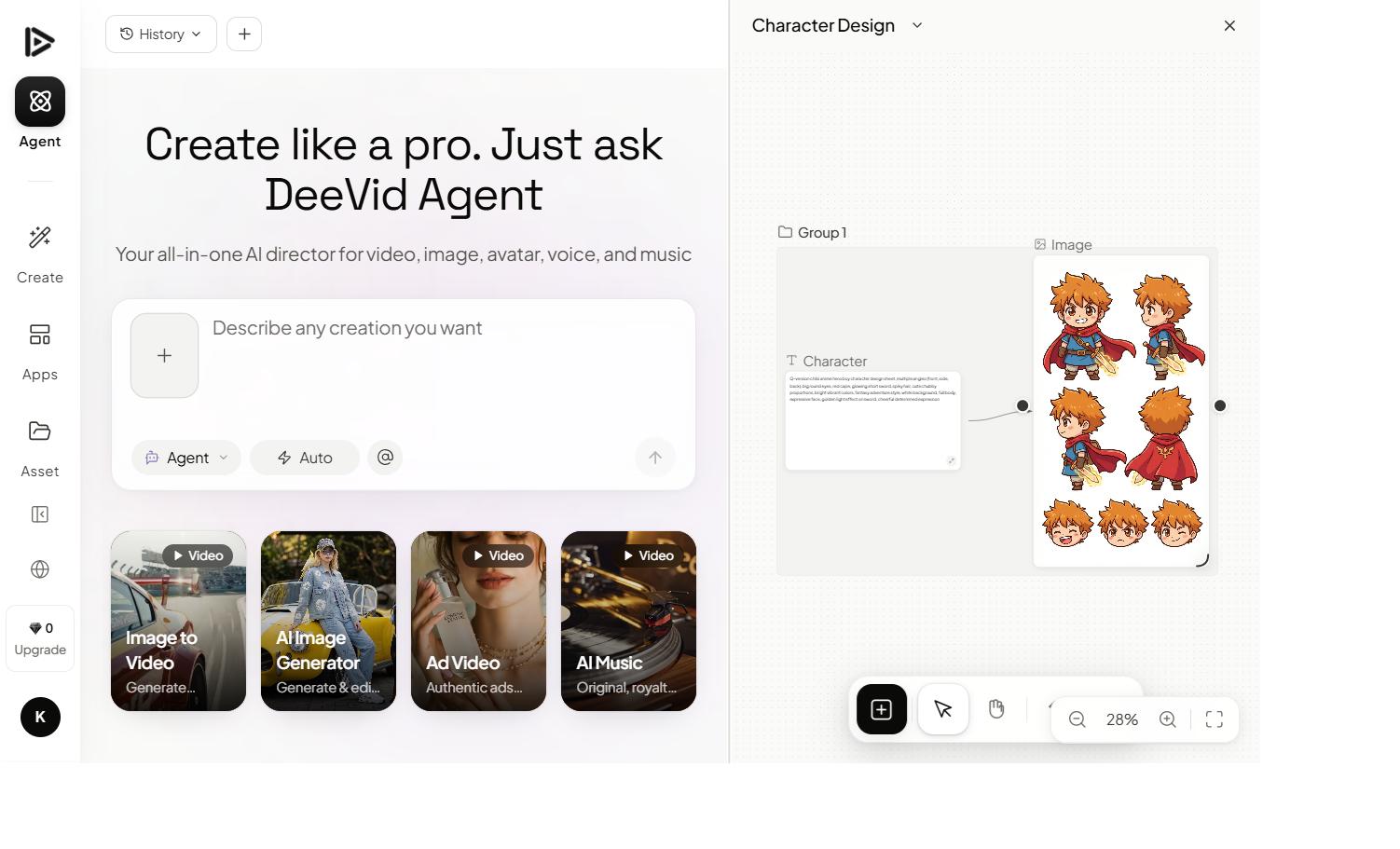
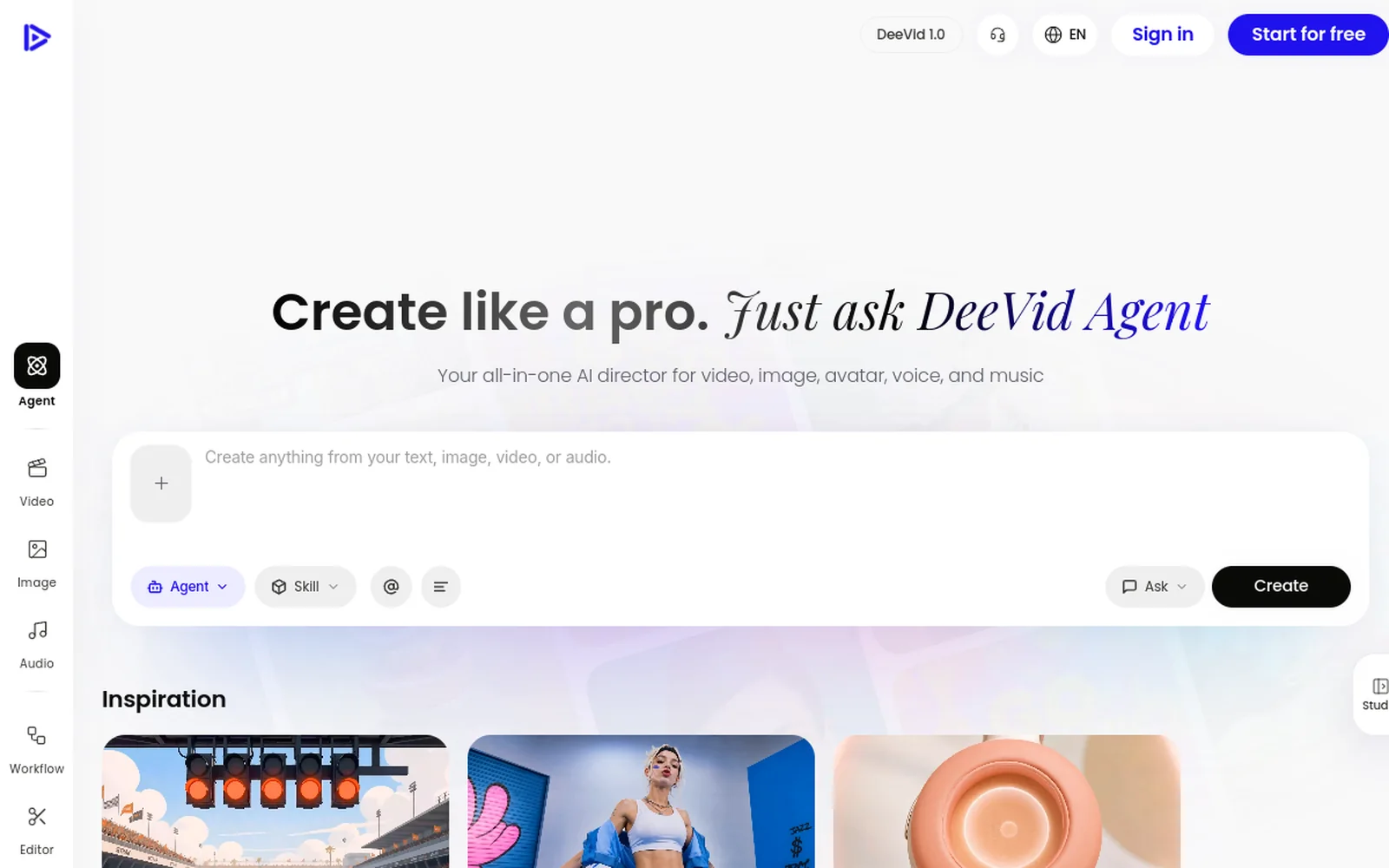
Deevid AI is a common pick here because it ticks those boxes: a dedicated ad workflow, image-to-video for real product shots, bundled AI music and voice on Pro, and 14+ models in one place. If you’re weighing it against editor-style tools, our Deevid vs InVideo and Deevid vs FlexClip comparisons break down the trade-offs.
How to make an AI ad video, step by step
Here’s the official walkthrough, then the steps:
1. Start with the product, not the prompt
Upload your real product photo (or paste your product URL if the tool supports it). Anchoring the ad to your actual product avoids the classic AI-ad failure: a beautiful clip of something that isn’t quite what you sell.
2. Open the ad workflow
Choose the ad/marketing mode rather than the generic generator. This is what biases the output toward a hook, product focus and a CTA — the structure that performance ads need.
3. Animate the product
Use image-to-video to bring the product to life: a slow rotation, a dynamic reveal, the product in a lifestyle scene. Keep each shot short and punchy — ads live or die in the first second.
4. Add voice, music and a CTA
Layer a short voiceover and a punchy track (bundled on Pro), and end on a clear call-to-action. Keep the whole ad tight — 6 to 15 seconds for social.
5. Export variations
Don’t make one ad — make five. Vary the hook, the music, the opening shot. Export vertical (9:16), watermark-free, and test them. The winner pays for the month.
What makes an AI ad actually convert
The tool gets you 80% there; these habits get the other 20%:
- Hook in the first second. Lead with the product benefit or a pattern-break, not a logo.
- Show, don’t narrate. Let the product motion carry the message; keep voiceover minimal.
- One clear CTA. “Shop now,” “Link in bio” — one action, stated plainly.
- Vertical, captioned, short. Most social video is watched muted on a phone. Design for that.
- Volume and testing. The whole advantage of AI is cheap variations. Make many, kill the losers fast.
What an AI ad video generator costs (and what it saves)
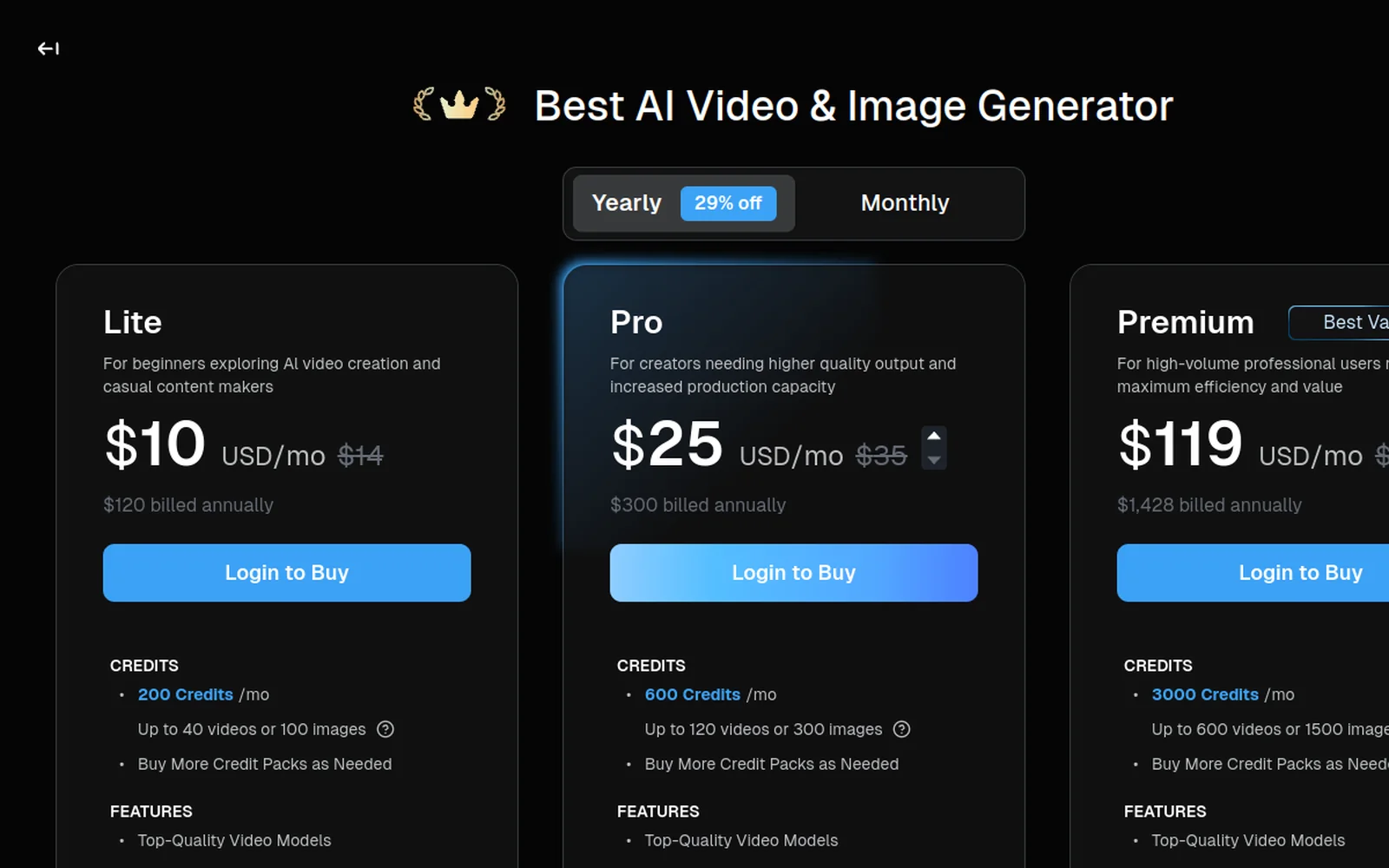
The maths is the real selling point. A single freelance video ad typically runs from a few hundred to a few thousand dollars and takes days; an agency-produced spot runs far more. An AI ad video generator costs a monthly subscription — often in the $10–$30 range for the tiers that remove watermarks and grant commercial rights — and produces not one ad but dozens.
That changes the economics of advertising. Instead of betting a big budget on one “perfect” ad, you spend a small flat fee and ship ten variations, let the platform’s testing find the winner, and refresh creative weekly to fight ad fatigue. For a small business or solo marketer, that’s the difference between running paid social at all and not.
The thing to watch is the free-tier trap: free output is watermarked and not licensed for ads, so factor in a paid plan from the start if you’re actually going to run media behind the creative. We break the plans down in our Deevid AI pricing guide.
AI ad video generator vs hiring an editor
It’s not strictly either/or, but the trade-offs are clear:
- Speed: AI wins decisively — minutes per variation vs days per edit.
- Volume: AI wins — the whole model is built for dozens of variants.
- Cost: AI wins for high-volume performance creative; a subscription beats per-project fees.
- Bespoke craft: a skilled editor still wins for a flagship brand film with custom shooting and fine art direction.
The pragmatic split most teams land on: use an AI ad video generator for the high-volume, always-on performance ads that need constant refreshing, and reserve a human editor for the occasional hero piece. You get the volume and the polish where each actually counts.
Mistakes to avoid
- Faking the product. Always animate your real product photo; don’t let the AI invent it.
- A slow open. If the first second doesn’t hook, the rest never gets watched.
- Running watermarked output. Free-tier clips aren’t licensed for ads — upgrade before you spend on media.
- One-and-done. A single ad isn’t a strategy; the format rewards iteration.
- Legible-text gambles. On-screen text inside generated video can wobble — add captions and CTAs in post for clean results.
FAQ
What is the best AI ad video generator? The best one for you has a real ad workflow, image-to-video for your actual product, bundled voice/music, and watermark-free commercial output. Deevid AI is a strong all-in-one pick on those criteria.
Can I make AI video ads for free? You can test on free tiers, but output is usually watermarked and not licensed for commercial use. Running ads requires a paid plan for clean, owned output.
How long should an AI video ad be? Short — typically 6 to 15 seconds for social, vertical, with a hook in the first second and one clear CTA.
Can it use my real product? Yes — upload your product photo and animate it with image-to-video, so the ad features your actual product rather than an AI approximation.
An AI ad video generator turns the slowest part of marketing — producing creative — into its fastest. Anchor each ad to your real product, lean on the ad workflow, and ship variations instead of masterpieces. Test on the free credits, then go paid for clean, watermark-free ads you can actually run.