
Runway is one of the names that made “AI video generator” a phrase normal people use. Its Gen models pushed text-to-video into genuinely cinematic territory, and for filmmakers and motion designers it’s still a reference point. This honest 2026 review covers what Runway’s AI video generator actually does, whether the free tier is usable, what it costs now, and a twist most reviews miss: Runway has quietly become a multi-model bundle, which changes how you should compare it.
What Runway’s AI video generator does
Runway is a creative, prompt-to-video generator. You describe a scene — or feed it a starting image — and its Gen-4 family produces a short cinematic clip: camera moves, lighting, motion, the works. It’s built for people who think in shots, not slides. Filmmakers use it for previz and B-roll, designers for motion graphics, and creators for stylised social clips.
Alongside generation, Runway carries a toolbox that’s broader than a one-trick app: image generation, video-to-video restyling, inpainting, motion brush, and editing utilities. That “studio” feel is part of why it built a loyal creative following — it’s not just a text box, it’s a workspace.
What it isn’t is a talking-head avatar tool. If your job is turning a script into a presenter video, Runway is the wrong category (that’s Synthesia territory). Runway is for creative video — scenes, style, motion.
Runway’s Gen models, explained
A lot of confusion around Runway comes from its version history, so here’s the short map. Gen-1 did video-to-video restyling — take a clip, change its look. Gen-2 was the breakout: text-to-video and image-to-video from scratch, the version that put Runway on the map. Gen-3 Alpha sharpened motion, coherence and prompt-following, and Gen-4 (the current flagship family, with Turbo and 4.5 variants) added the big leap people actually care about now: world and character consistency — keeping the same subject and scene stable across shots, which is what makes multi-clip storytelling viable.
You’ll also see searches for “Runway Gen-5” — at the time of writing that’s anticipation, not a shipped product, so treat any “Gen-5” claims you find with caution. The practical takeaway: when you generate on a current Runway plan, you’re using the Gen-4 family, and the older Gen-2/Gen-3 references floating around are mostly legacy. “Gen-2 free” or “Gen-3 free” searches lead back to the same answer as today’s free tier — a limited trial, covered next.
Is Runway AI free?
This is the single most-asked question about Runway, so let’s be straight: there’s a free plan, but it’s a trial, not a workflow. You get a one-time batch of credits to test the models, capped resolution, a watermark on exports, and limited generation length. It’s perfect for seeing whether the output quality fits your project — and not enough to actually produce content on an ongoing basis.
The “how to use Runway AI for free” reality is therefore: sign up, spend your starter credits exploring Gen-4, and decide from there. Once the credits run out, you’re choosing a paid plan or moving on. There’s no permanent free tier that quietly refills enough to run a channel — credits are the currency, and the free bucket is small by design.
Runway pricing in 2026
Runway is credit-based, layered on monthly tiers. The shape in 2026:
- Free — starter credits, watermarked, capped resolution. For evaluation only.
- Standard (around $12–15/mo) — a monthly credit allowance, 1080p, watermark removed, and — importantly — access to the wider model lineup (more on that below).
- Pro / Unlimited — bigger allowances, higher concurrency, an “unlimited” relaxed-speed generation mode, and team features.
The thing to watch with any credit system is how fast generations burn credits at high quality and long duration. A plan that looks generous on paper can feel tight once you’re iterating on a tricky shot at full resolution — and iteration is the norm with generative video, not the exception. Always check current numbers on Runway directly, because both the prices and the credit costs move.
The 2026 twist: Runway is now a multi-model bundle
Here’s what most “Runway review” articles haven’t caught up to. Runway used to be “Runway’s own models, take it or leave it.” As of 2026, its paid plans bundle third-party models alongside Gen-4 — names like Veo 3.1, Kling 3.0 Pro, FLUX.2 and Seedream sit next to Runway’s own family inside the same subscription.
That matters because it reframes the comparison. Choosing Runway is no longer “one model vs an aggregator.” It’s one bundle vs another bundle — and the right question becomes which lineup covers your workflow better, at what price? Notably, Runway’s bundle does not include Sora 2, OpenAI’s headline model, which is a real gap if Sora-style output is what you’re after.
Where Runway falls short
For all its strengths, three things send creators looking elsewhere:
- Credits run out fast at quality. The cinematic look you came for is exactly the setting that drains credits quickest, so heavy iterators feel the ceiling.
- No Sora 2. Its bundle skips the most-hyped 2026 model, so if you specifically want Sora output, Runway can’t give it to you.
- Premium positioning. Runway prices like a pro creative studio. For a solo creator or someone who just wants to try several models cheaply, that’s a steep entry point.
None of these make Runway “bad” — they make it a premium specialist bundle. Whether that’s right for you depends on whether you live inside Gen-4 or want the widest possible model spread for the money.
The alternative: a broader multi-model generator
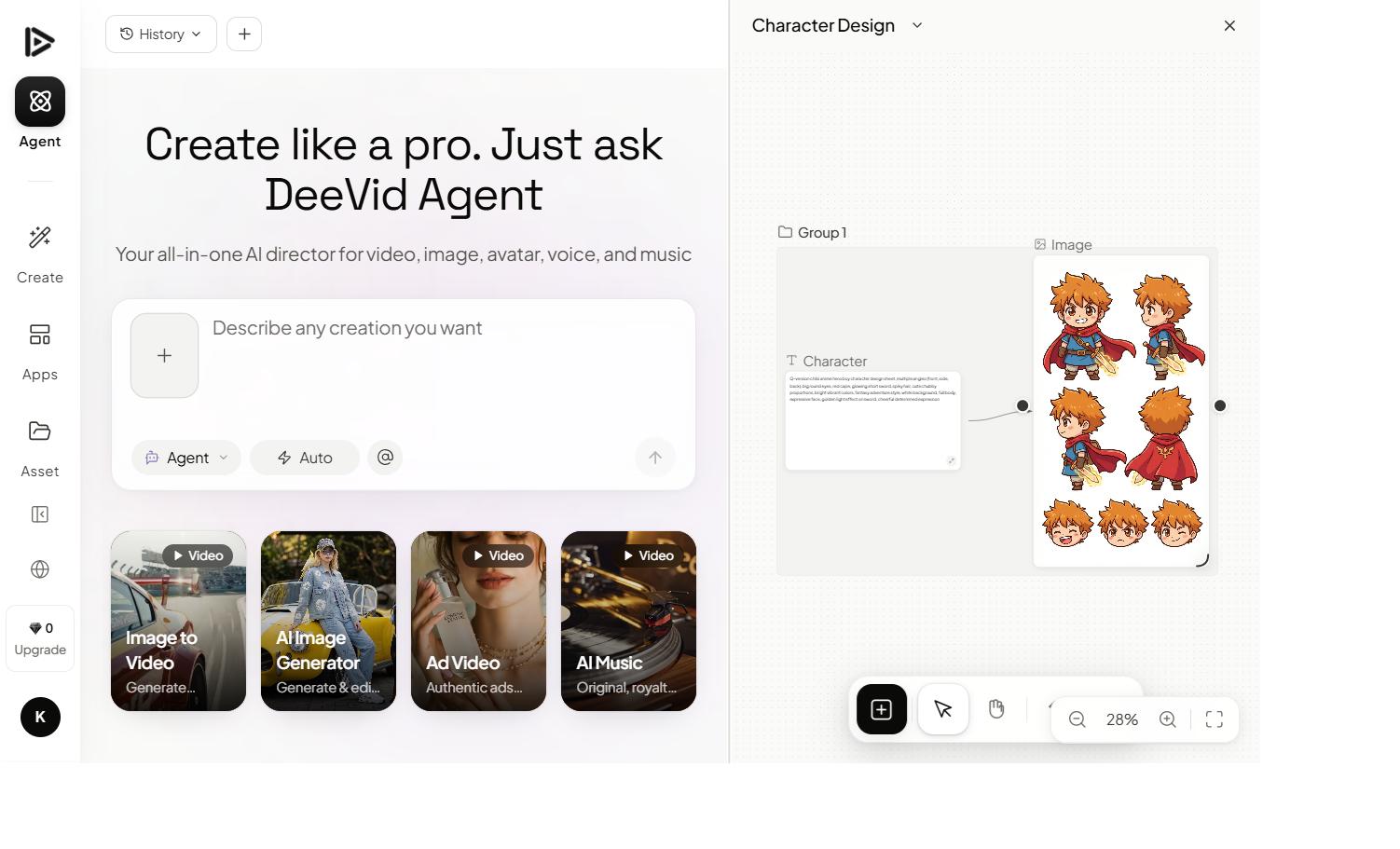
If your real goal is “give me the most models for my money, including the ones Runway skips,” a different multi-model platform answers that directly. That’s where an aggregator like Deevid AI fits: one subscription, 14+ video models including Sora 2, Veo 3.1, Kling, Runway-style generation, Pika and more — plus avatars, image generation, voice and music in the same place.

The practical difference is breadth per dollar. Runway’s bundle is excellent but curated around its own creative identity; an aggregator optimises for coverage, so you can switch models per shot — Sora 2 for one scene, Kling for another, an avatar for the intro — without juggling separate apps and bills.
The cinematic control Runway is loved for — camera moves, framing, motion — is available across these models too:
This isn’t “Runway is overrated.” For a dedicated creative pro who loves the Gen-4 look and Runway’s editing studio, it’s a superb home. The alternative wins when your priority is maximum model choice on one affordable plan — especially if missing Sora 2 is a dealbreaker.
Runway vs Deevid: the quick take
- Choose Runway if you’re a filmmaker or motion designer who wants its Gen-4 creative signature, the surrounding editing studio, and you’re happy paying a premium for that polish.
- Choose a broader multi-model tool if you want the widest model spread — Sora 2 included — avatars and creative video together, and predictable value on a single plan.
Both are bundles now, so it genuinely comes down to lineup and price. We break the model lists, pricing and feature depth down side by side in our Deevid vs Runway comparison.
FAQ
Is Runway AI free? There’s a free trial with starter credits, but it’s watermarked, resolution-capped and one-time. It’s enough to test the models, not to produce content ongoing — after that you need a paid plan.
Can Runway AI generate videos? Yes — that’s its core job. Its Gen-4 family generates cinematic clips from text prompts or starting images, with strong camera motion and style control.
How much does Runway cost in 2026? It’s credit-based on monthly tiers: a free trial, a Standard plan around $12–15/mo (1080p, no watermark, wider model access), and Pro/Unlimited tiers for heavier use. Credit burn at high quality is the number to watch.
Does Runway include Sora 2? No. Runway’s 2026 bundle adds models like Veo 3.1, Kling 3.0 Pro and FLUX.2, but not Sora 2. For Sora 2 you’d want a different multi-model platform — see our comparison.
What’s a good Runway alternative? A broader aggregator like Deevid covers 14+ models including Sora 2, plus avatars and creative video on one plan — often more coverage per dollar than Runway’s curated bundle.
Runway remains one of the best AI video generators for a specific creator: someone who wants the Gen-4 cinematic look and a real editing studio around it. The 2026 surprise is that it’s now a bundle competing against other bundles — so compare lineups, not logos. If you want the widest model spread on one affordable plan, Sora 2 included, a multi-model generator covers more of the map.