
Pika Labs is one of the most fun names in AI video — the tool behind those viral “inflate it, melt it, crush it” effect clips all over social media. But behind the playful reputation, people have practical questions: what is Pika Labs exactly, is it free, who makes it, and what does Pika AI cost in 2026? This honest review answers all of that — and shows where a broader multi-model tool fits if Pika’s effects alone aren’t enough.
What is Pika Labs?
Pika Labs is an AI video generator that turns text prompts and images into short, stylised clips. It started life as a Discord bot — you typed prompts in a channel and it sent back video — and grew into a full app at pika.art, with mobile apps on iOS and Android. Its calling card is playful effects: viral “Pikaffects” that inflate, squish, melt, explode or transform whatever you feed it, plus general text-to-video and image-to-video.
So the honest one-liner: Pika is a creative, effect-first video generator built for fun, social-ready clips. It’s less about cinematic filmmaking and more about quick, shareable, “how did they do that?” moments. That focus is its strength and, as we’ll see, also its ceiling.
Who makes Pika Labs?
Pika Labs is built by Pika, an AI video startup founded in 2023 that raised significant venture funding and built a big following fast — first through its Discord community, then its consumer app. It’s a well-known, legitimately backed player in the AI video space, not a fly-by-night wrapper. If you’ve seen “Pika Art,” “Pika AI” and “Pika Labs” used interchangeably, they all refer to the same product family.
How to use Pika Labs (Discord, app, APK)
There are three ways people reach Pika, and the search terms reflect all of them:
- The web app at pika.art — the main, modern way. Sign up, type a prompt or upload an image, pick an effect, generate. No install needed.
- The mobile apps — official Pika Labs apps on the App Store and Google Play for generating on your phone. (If you see a “Pika Labs APK” outside the Play Store, stick to the official listing — sideloaded APKs are a common malware vector.)
- The Discord bot — the original route, where you generate by typing commands in a Pika channel. It’s still part of the community but the app is now the primary experience.
Whichever door you use, the flow is the same: a prompt (and optionally a starting image) plus an effect, and Pika returns a short clip you can refine. The login and credits carry across the web and mobile apps under one account.
Is Pika Labs free?
Yes — Pika has a free tier, and it’s a genuinely good way to try the effects. You get a monthly allowance of credits to generate clips at no cost. The catch is the familiar one for AI video:
- Limited monthly credits — enough to experiment, not to produce at volume.
- A watermark on free output.
- Capped quality and length, with the newest models often reserved for paid plans.
- Slower priority when the servers are busy.
So “free” is real but it’s a taster, not a workflow. The moment you want watermark-free clips, the latest model, or more than a handful of generations a month, you’re looking at a paid plan.
How much does Pika AI cost in 2026?
Pika is subscription + credit based, with tiers that step up your monthly credits, remove the watermark, unlock higher quality and give you priority. The rough shape in 2026:
- Free — small monthly credit allowance, watermarked. For testing.
- Standard / mid tier (roughly $8–10/mo billed annually) — more credits, watermark removed, faster generation.
- Pro / Unlimited-style tiers — large credit allowances, the newest models, and a relaxed-speed “unlimited” mode on the top plan.
As always with credit systems, the number that actually matters is how many seconds of video your credits buy at the quality you want — high-res, longer clips burn through an allowance fast. Check current pricing on Pika directly, since both prices and credit costs shift.
Where Pika Labs falls short
Pika is delightful at what it does, but three things send people looking elsewhere:
- Effect-first, not all-purpose. The Pikaffects are the draw, but if you want cinematic scenes, avatars, or long-form consistency, you’re outside Pika’s sweet spot.
- One model family. You get Pika’s own models — not Sora 2, Veo, Kling or the rest — so you can’t reach for a different model when it would nail a shot better.
- Credits and watermark on free. Like every generator, the free tier is a demo; real output means paying.
None of this makes Pika “bad” — it makes it a specialist for playful, effect-driven clips. Whether that’s enough depends on whether your content lives in that lane or roams wider.
The alternative: a multi-model generator
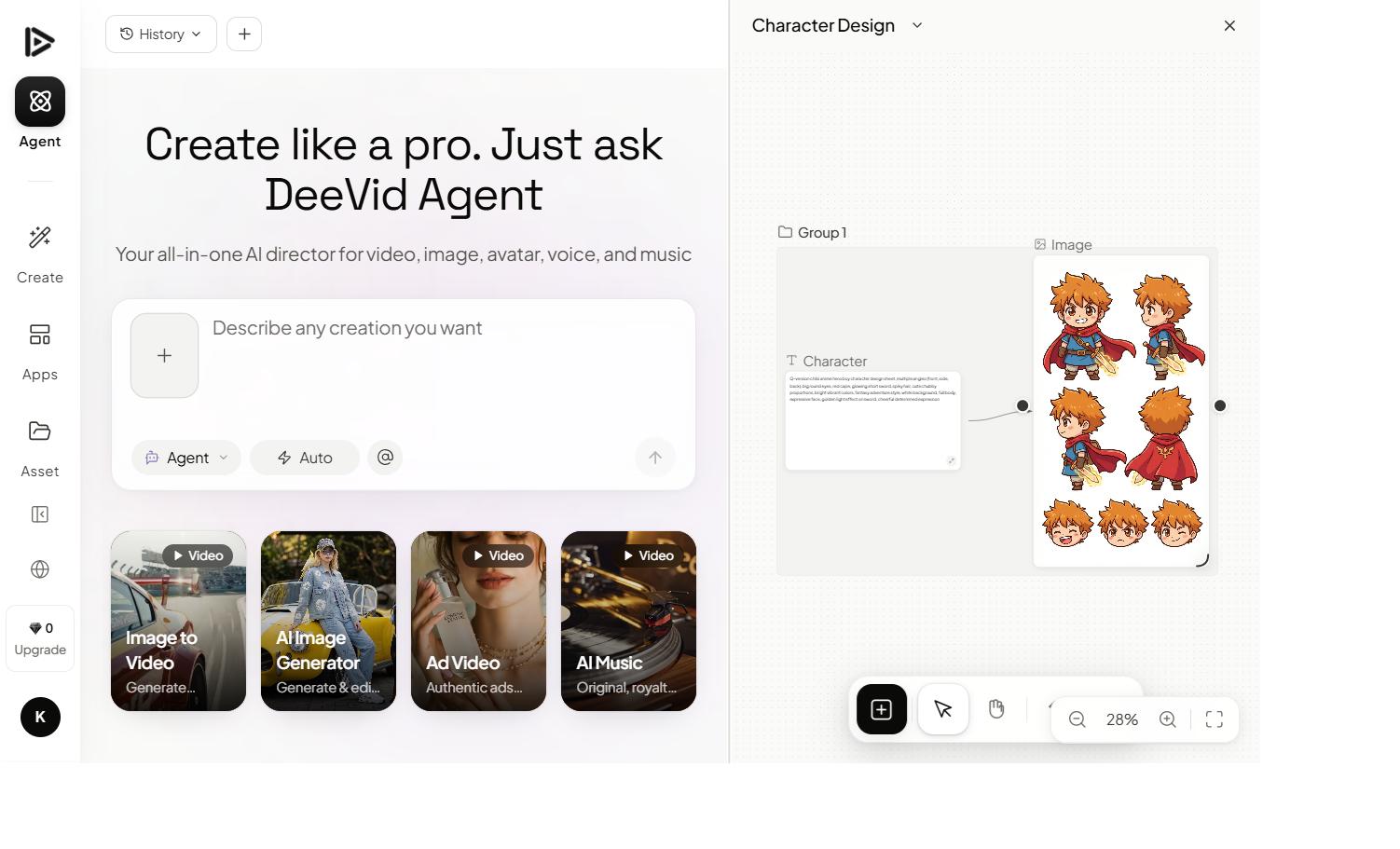
If you love Pika’s playful clips but also want scenes, avatars, longer consistent stories — and the models Pika doesn’t have — a multi-model platform covers far more ground on one plan. That’s where an aggregator like Deevid AI fits: one subscription with 14+ video models including Sora 2, Veo 3.1, Kling and Pika-style generation, plus image generation, avatars and voice in the same place.
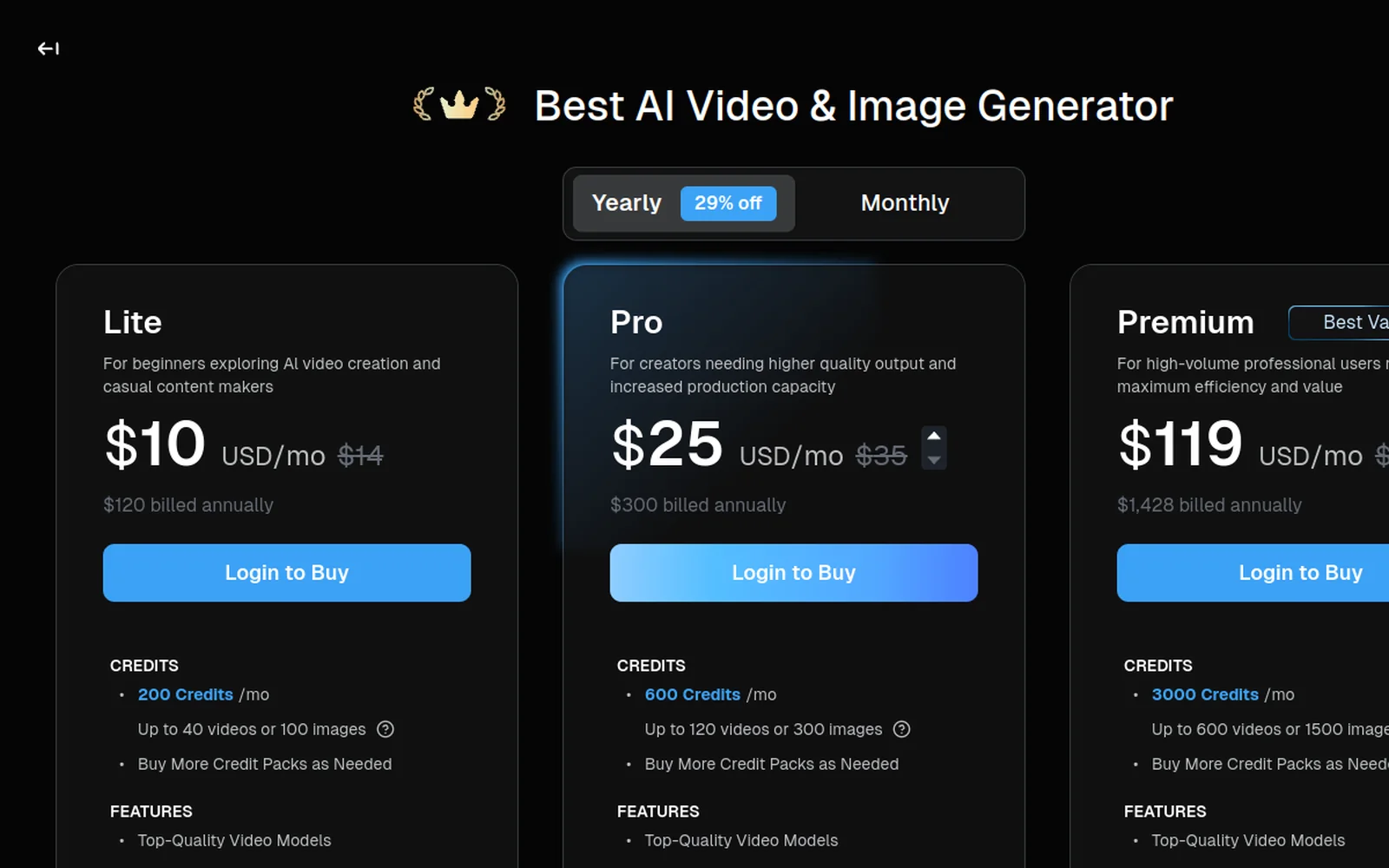
The practical win is range on one bill. Pika is a sharp tool for a specific look; an aggregator optimises for coverage, so you can do a fun effect clip in the morning and a polished image-to-video scene in the afternoon without switching apps or paying twice. The same playful, transformation-style clips Pika is loved for are well within reach:
We break the trade-offs down fully in our Deevid vs Pika comparison.
Pika Labs vs Deevid: the quick take
- Choose Pika Labs if you mainly want playful, viral effect clips and quick social videos, and you love its signature Pikaffects look.
- Choose a multi-model tool if you want those plus cinematic scenes, avatars and the latest models (Sora 2, Veo, Kling) on a single plan — with free credits to start.
FAQ
Is Pika Labs free? There’s a free tier with monthly credits, but it’s watermarked, quality-capped and limited — fine for testing, not for producing at volume. Paid plans remove the watermark and add credits.
What does Pika Labs do? It generates short AI videos from text or images, and is best known for playful “Pikaffects” — inflate, melt, explode, transform — plus standard text-to-video and image-to-video.
How much does Pika AI cost? It’s credit-based on monthly tiers: a free plan, a mid tier around $8–10/mo, and higher Pro-style plans with more credits and the newest models. Credit-per-second is the real cost to watch.
Who makes Pika Labs? Pika, a venture-backed AI video startup founded in 2023 that grew from a Discord bot into a consumer app. “Pika,” “Pika Art” and “Pika Labs” all refer to the same product.
What’s a good Pika Labs alternative? A multi-model generator like Deevid covers playful clips and cinematic video, avatars and the latest models on one plan — see our comparison.
Pika Labs earned its following honestly: its effects are fun, fast and genuinely viral-friendly, and the free tier makes it easy to try. If playful, effect-driven clips are your whole game, it’s a great pick. If you want that and the rest — scenes, avatars, the latest models — a multi-model platform gives you the full spectrum on one affordable plan.